 Getting started
 Pipeline
 Forecasts
 Deals
Deals Deals (advanced)
 Proposals
 Exports
 Resources
 Integrations
 Settings
 Glossary
 FAQs
FAQs Releases
Estimation
IN THIS ARTICLE
Estimation settings contain the global rules used to calculate and price resources and deals
Overview
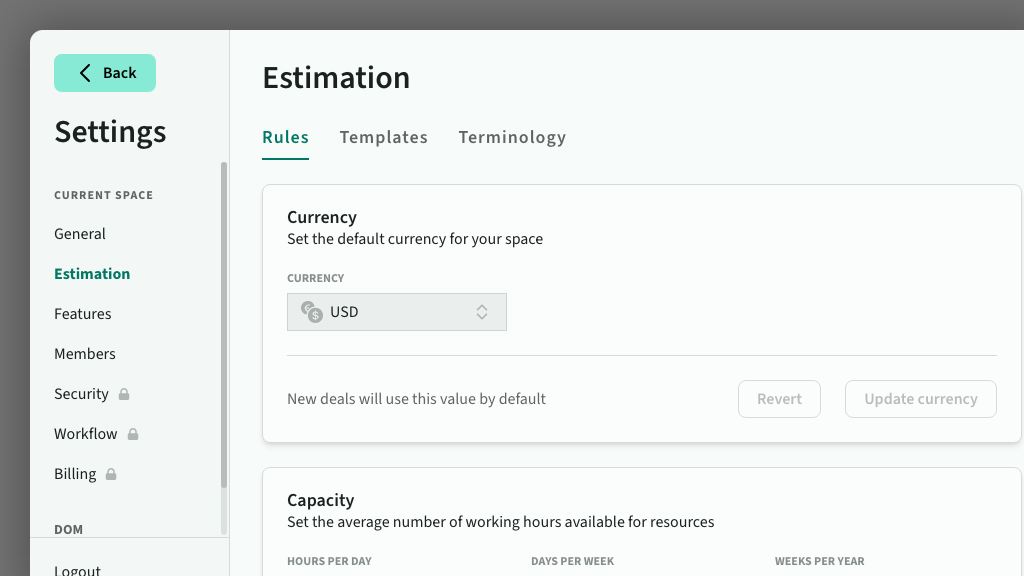
Estimation settings control the calculation and presentation of resource allocation. They are managed in Settings > Estimation.
Rules
Currency
Currency is used to price the rate card, and is the default currency used on products and deals. You can also override the display currency on an individual deal (along with the exchange rate)
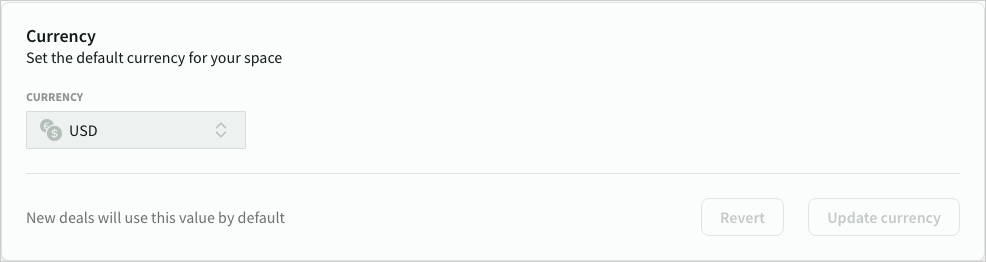 The default currency for roles and products in the space
Capacity
Capacity is the number of working hours in every work day, work week and work year.
Capacity determines the calculation of day rates, and the capacity of resources inside a deal's timeline/resource plan
Consider the following when calculating your capacity:
- Workable hours may be less than available hours (typically 80-90% in order to compensate for non-billable tasks and time like internal activities and communication)
- Work weeks should exclude any annual leave, sick leave and public holidays
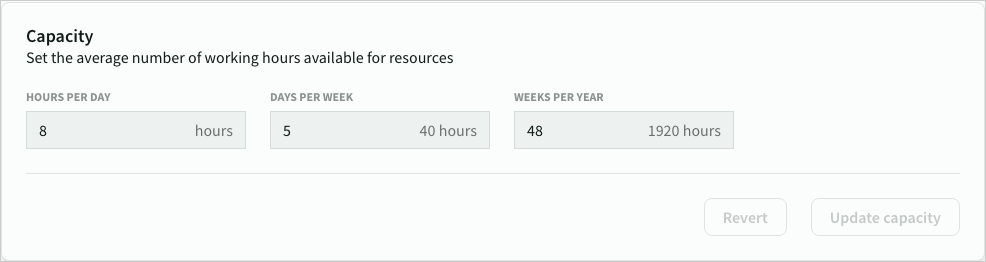 Resource capacity settings
Contingency
Contingency is a percentage added to raw estimates to cover the cost of ‘known unknown’ risk that would likely result in additional costs
Contingency is defined as a range (low, normal (default), high)
Contingency is automatically applied to items based on their risk profile (none, low, normal, high) and added to the raw time estimates.
- Low risk uses the min contingency
- Normal risk uses the default contingency (default value)
- High risk uses the max contingency
- None risk will ignore contingency
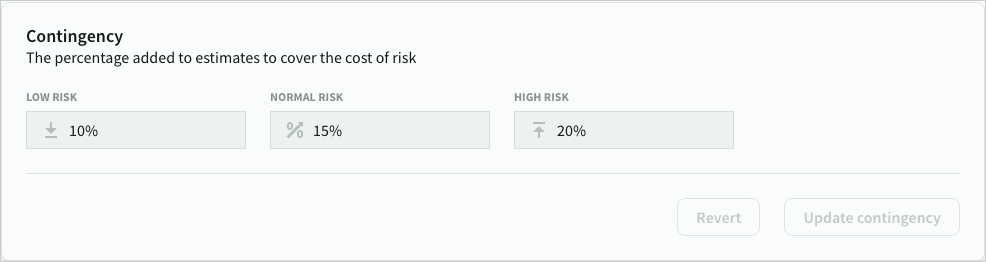 Contingency settings
Work units
Work units are the default time period used to cost and price your rate card (either days or hours). It is also used as the default unit for estimates
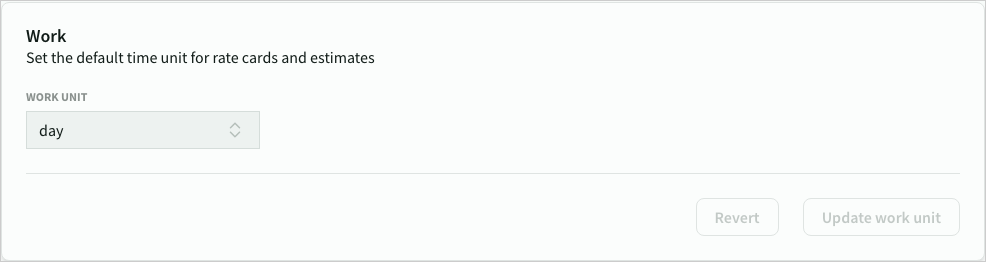 Work unit setting
Rounding
Rounding controls how rate card prices are rounded in deals. Round up roles to the nearest 10, 25, 50 or 100 units)
Rounding is applied after conversion to deal currency.
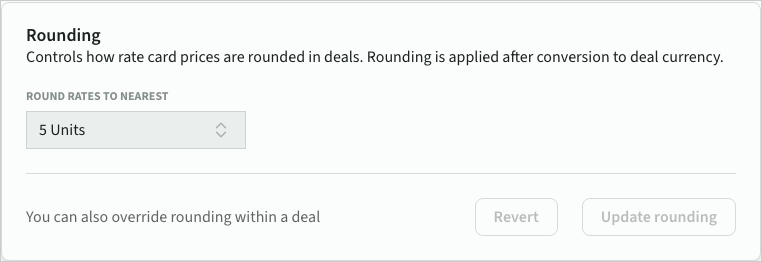 Rounding setting
Templates
Phase templates define the default structure applied to new phases in a deal.
Each phase template contains categories and sections that are automatically created when a new phase is added to a deal. Templates are managed in Settings > Estimation > Templates.
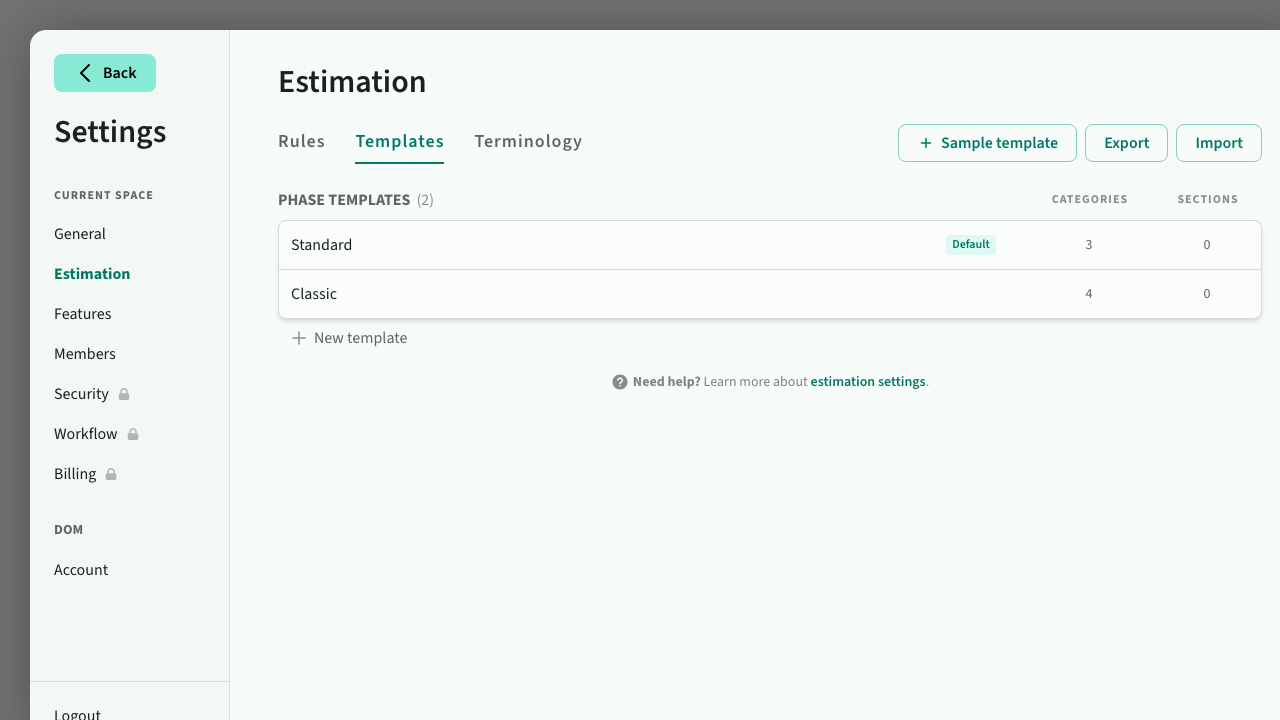 Phase templates
Creating templates
- Click New template to create an empty template with a single category
- Click Sample template to create a pre-built template with standard categories
- Click a template to open the editor, where you can add, rename, reorder, and configure categories and sections
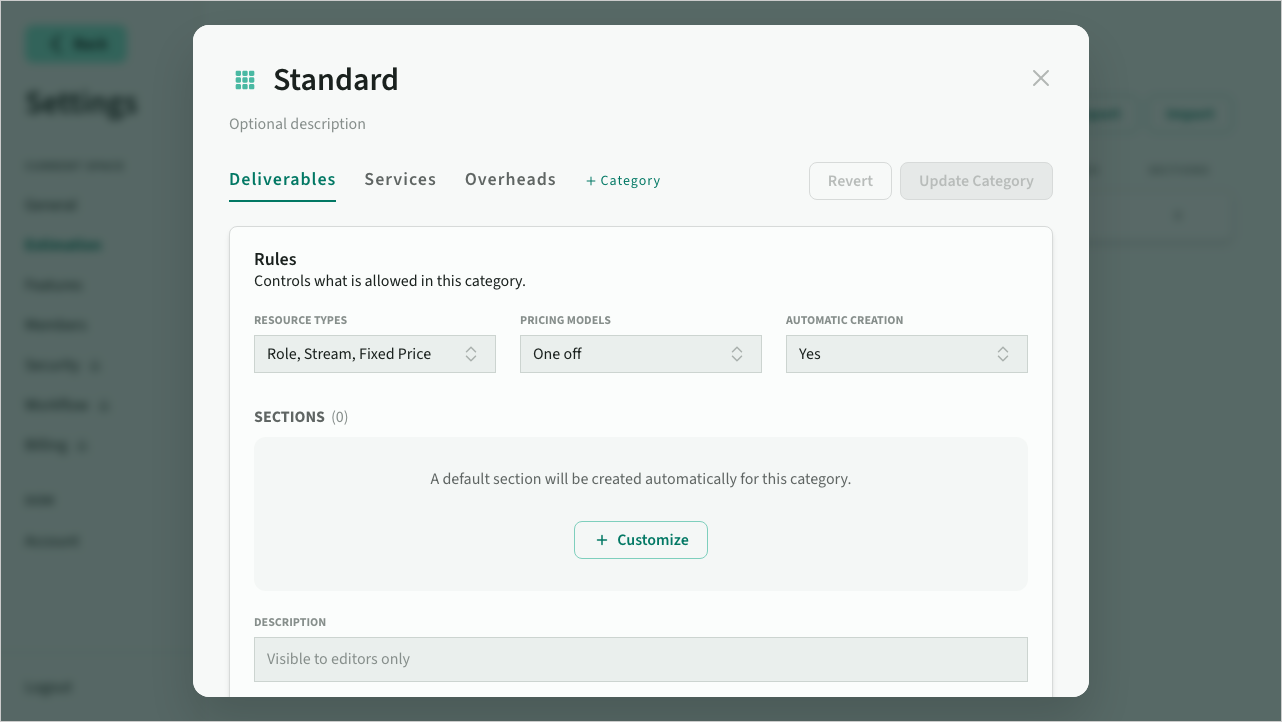 Template editor with category tabs and section configuration
Default template
One template can be set as the default. New phases will use the default template's structure. If no default is set, new phases start empty.
Import and export
Templates can be shared between spaces using JSON export and import:
- Export downloads all templates as a JSON file
- Import uploads a JSON file and shows a preview of changes before applying them
When importing, templates are matched by name. Existing templates with the same name are updated; new templates are added. The default template setting is preserved during import.
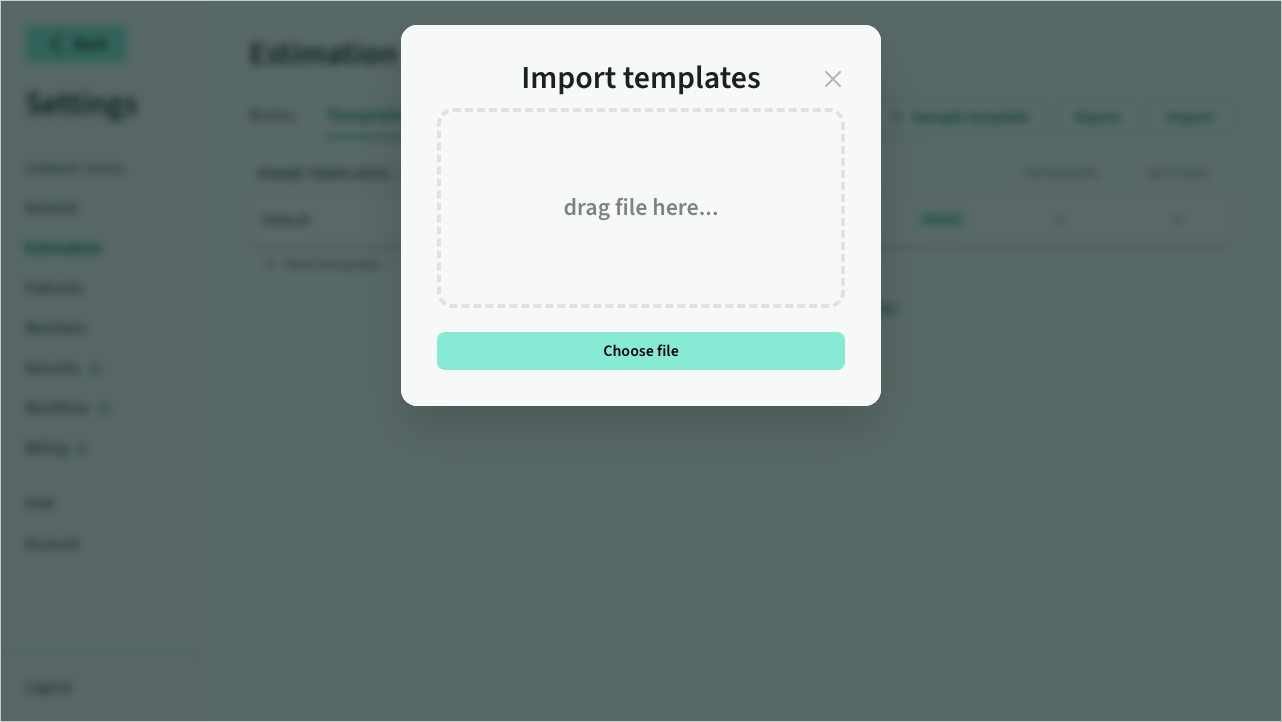 Import preview showing template changes
Terminology
Terminology overrides some of the default terms used in deals and proposals
- Feature, Overhead, Service, Expense, Stream
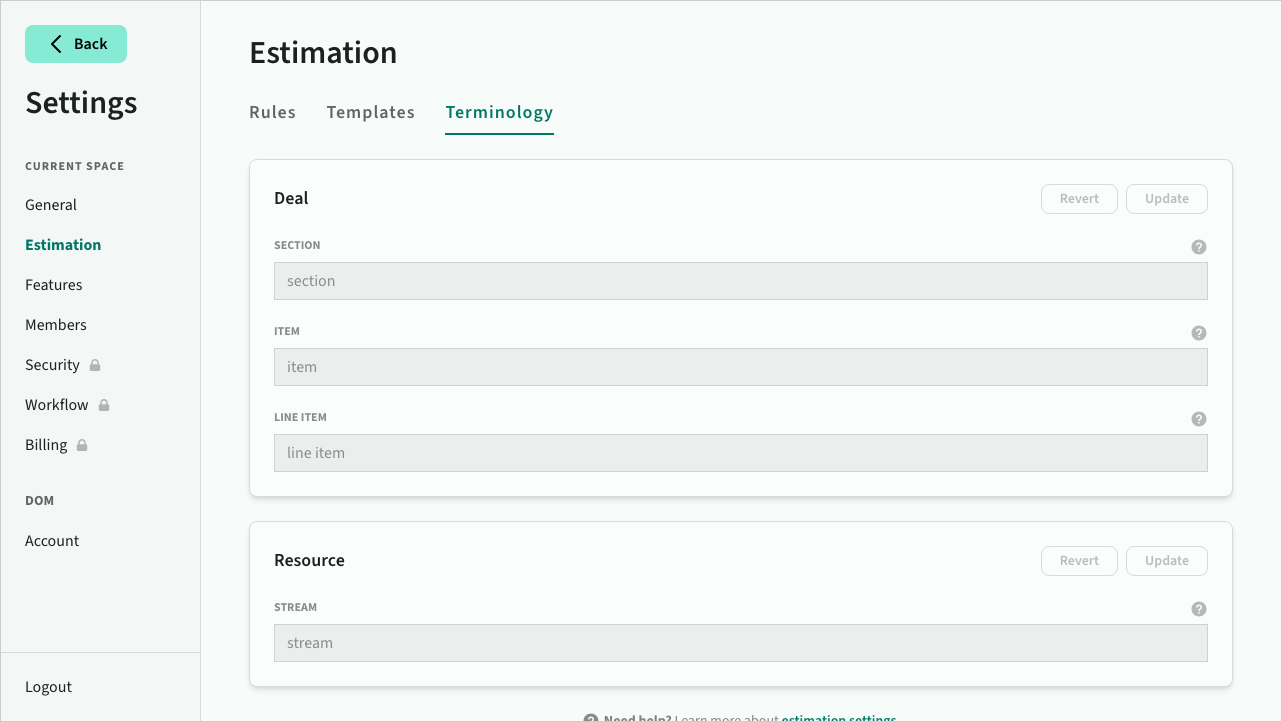 Customise terminology