 Getting started
 Pipeline
 Forecasts
 Deals
Deals Deals (advanced)
 Proposals
 Exports
 Resources
 Integrations
 Settings
 Glossary
 FAQs
FAQs Releases
Security
IN THIS ARTICLE
Estii offers multiple ways to log into a space. Sign in via SSO with an existing Google or Microsoft account, or configure an SSO integration
Sign in with Google or Microsoft
Users have the option to authenticate via an existing Google or Microsoft account, instead of using the default two-step email / token authentication flow.
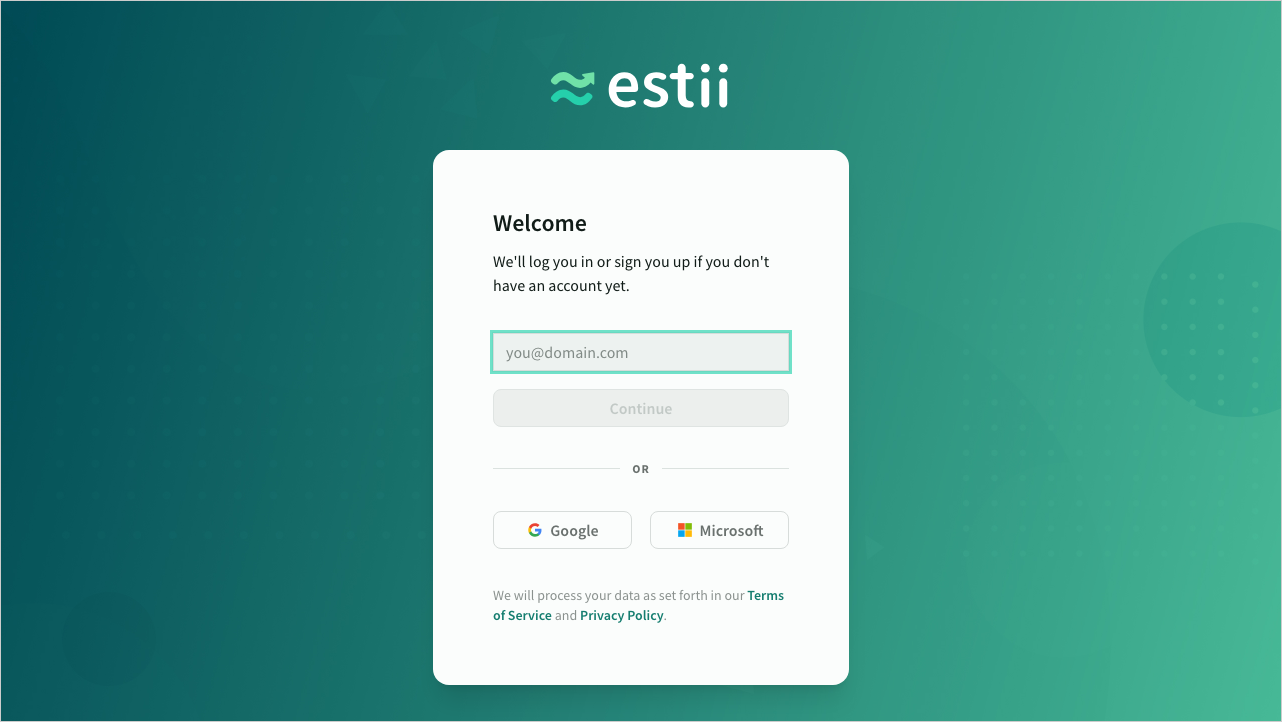 Login screen
Managed identity provider
You can configure an SSO integration with Azure Active Directory, Google Cloud Identity or any other identity provider that supports OpenID Connect. Enterprise customers also have the ability to enforce SSO for all users in the space and disable other log in methods.
To configure OpenID Connect, navigate to Settings > Security
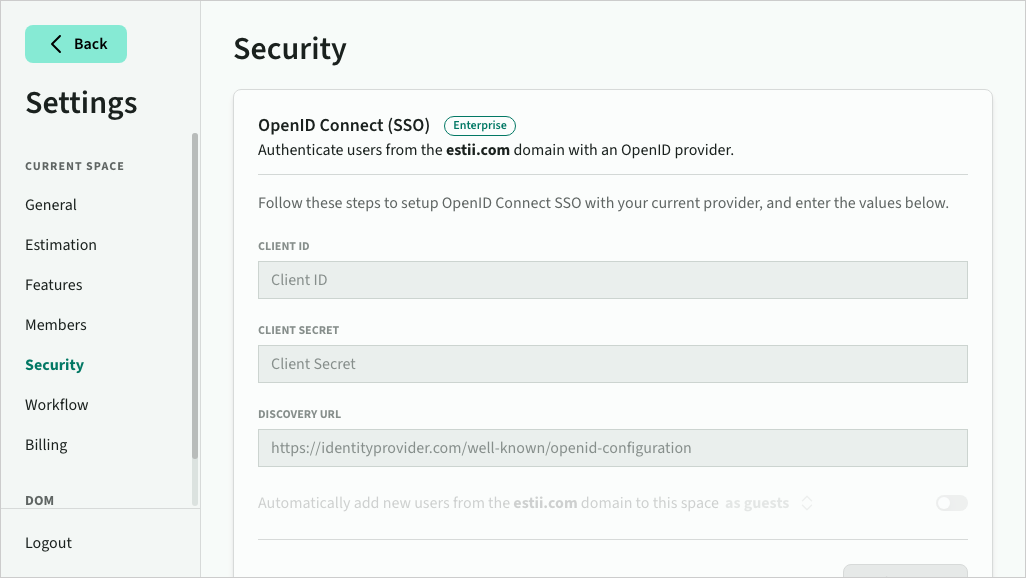 Enterprise customers can manage SSO settings
 Non-enterprise customers cannot
Automatic User Addition via SSO
When SSO is active, you can also enable automatically add new users from your domain.
Choose between the following options for new user:
- As guests (default)
- As editors (aka a paid seat)
- After approval (creates an access request that requires manual approval)
When a user is added automatically, a notification email is sent to all space admins - either confirming the new member, or requesting access.
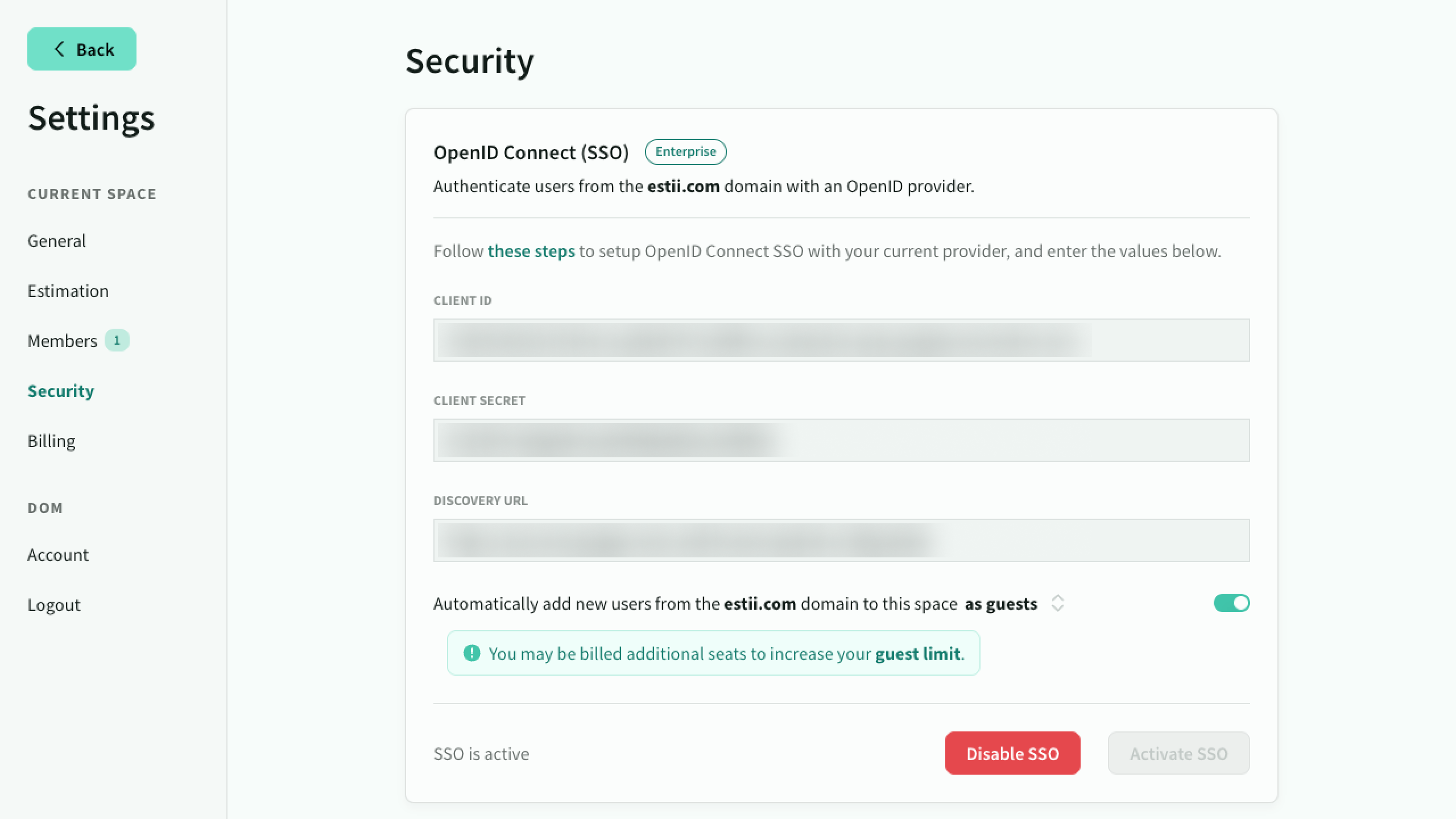 Additional options are available when automatic add new users is enabled
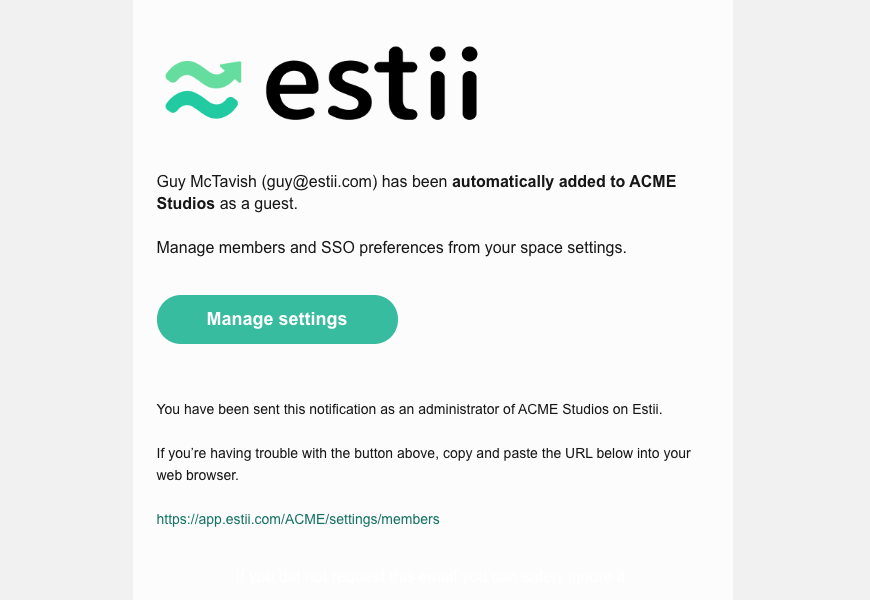 Notification email sent to admins when user added automatically
Setup guides
Read the following set up guides for common identity providers: