 Getting started
 Pipeline
 Forecasts
 Deals
Deals Deals (advanced)
 Proposals
 Exports
 Resources
 Integrations
 Settings
 Glossary
 FAQs
FAQs Releases
User settings
IN THIS ARTICLE
Customise your personal Estii experience and settings
Access user settings
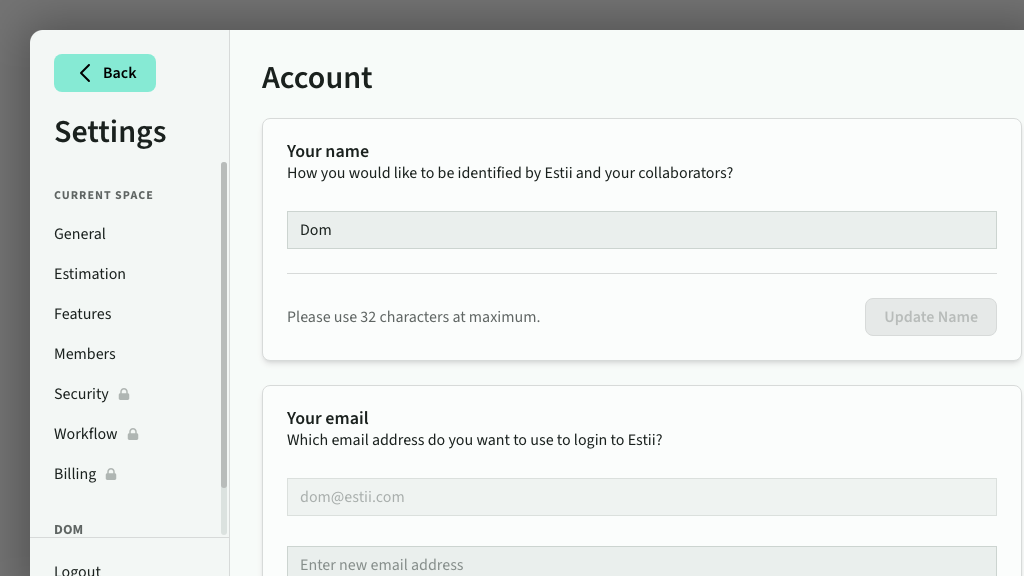
User settings are located in Settings > User settings. You can also access it directly from your user avatar in the bottom of the main navigation
Update profile details
Update your name, avatar and other general account settings.
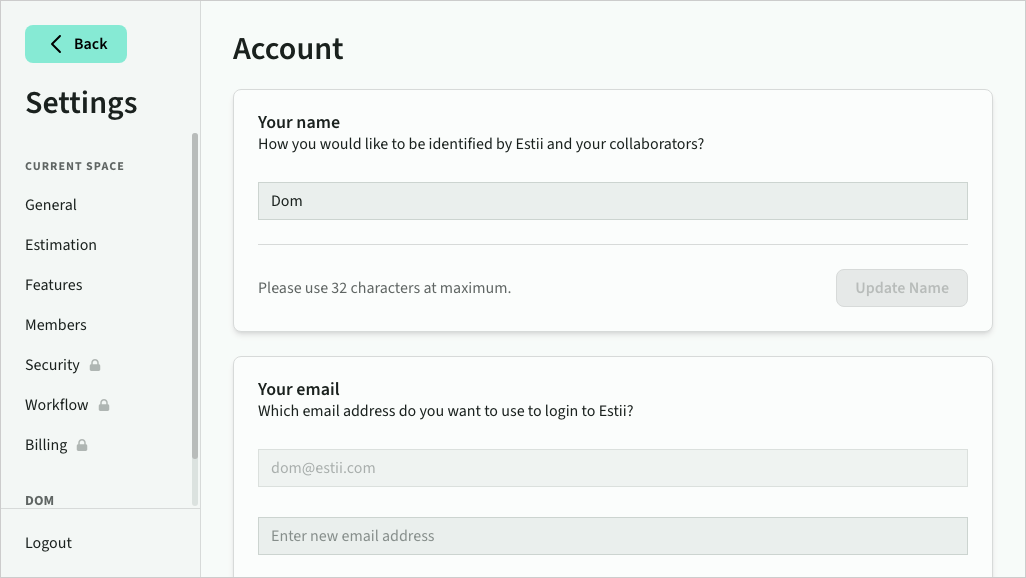 User profile settings
Change your email
You can change the email address you use to sign in to Estii. To update your email:
- In User settings, enter your new email address under Your email
- Click Update Email
- Check the inbox of your new email address for a verification link
- Click the link to confirm the change
Once verified, your login email is updated immediately and you are signed in with your new address.
Your Spaces
View or manage the spaces you are a part of, or create a new space. Non-owner members can leave a space from here — you'll be asked to confirm before being removed.
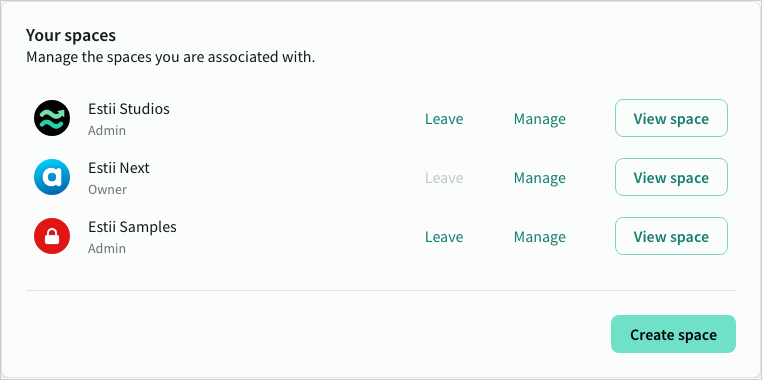 User spaces
Manage preferences
Manage other account preferences and settings
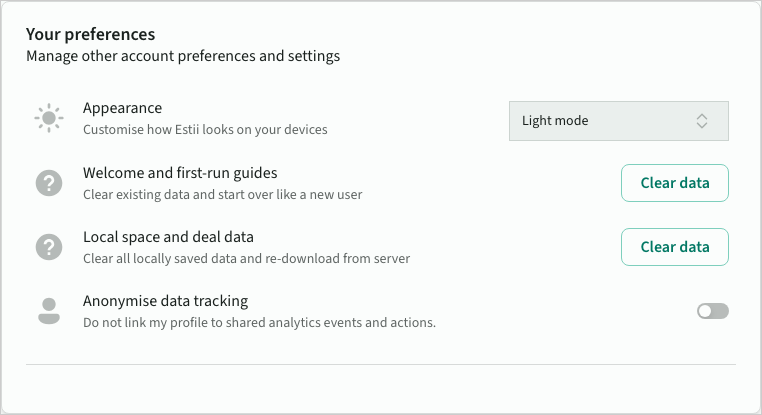 User preferences