 Getting started
 Pipeline
 Forecasts
 Deals
Deals Deals (advanced)
 Proposals
 Exports
 Resources
 Integrations
 Settings
 Glossary
 FAQs
FAQs Releases
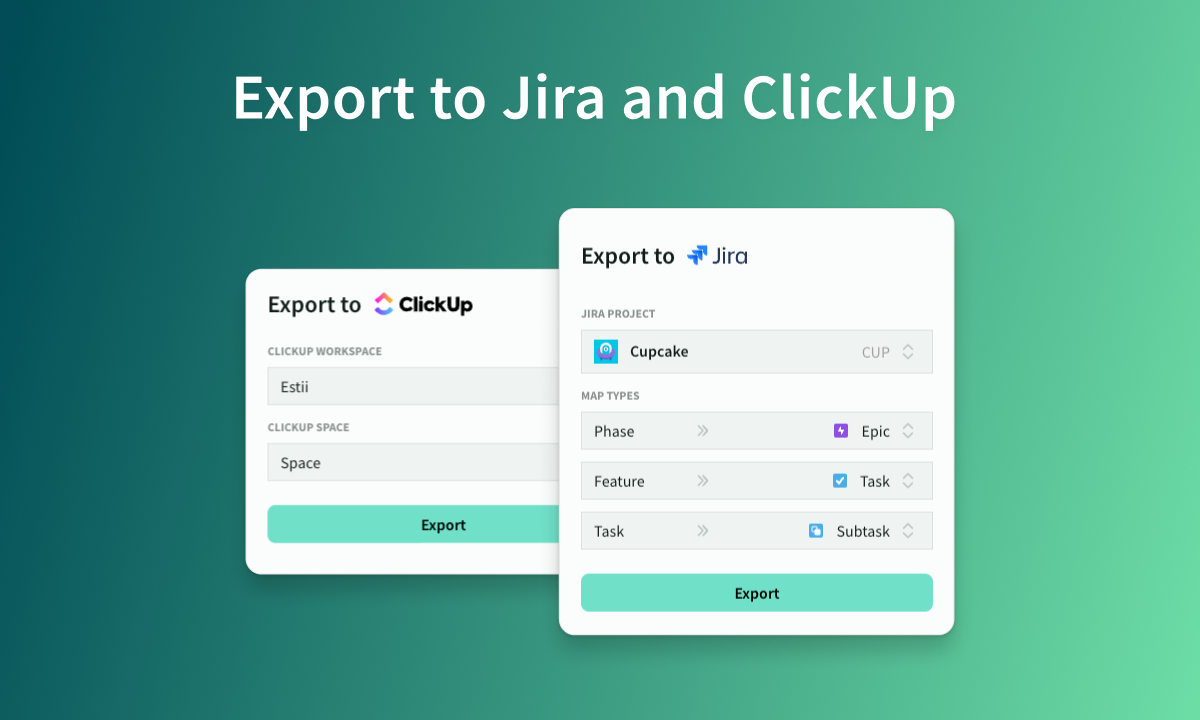
Export to Jira and ClickUp
Mar 22, 2024
Export Estii deals directly into your Jira or ClickUp projects
Overview
Enterprise customers can now export deals directly to a Jira or ClickUp project with our new export integrations.
Setting up a Jira or ClickUp integration
- Navigate to settings > workflow > integrations
- Connect to your Jira or ClickUp account and follow the instructions with the chosen provider
- Make sure you have appropriate permissions to edit project content
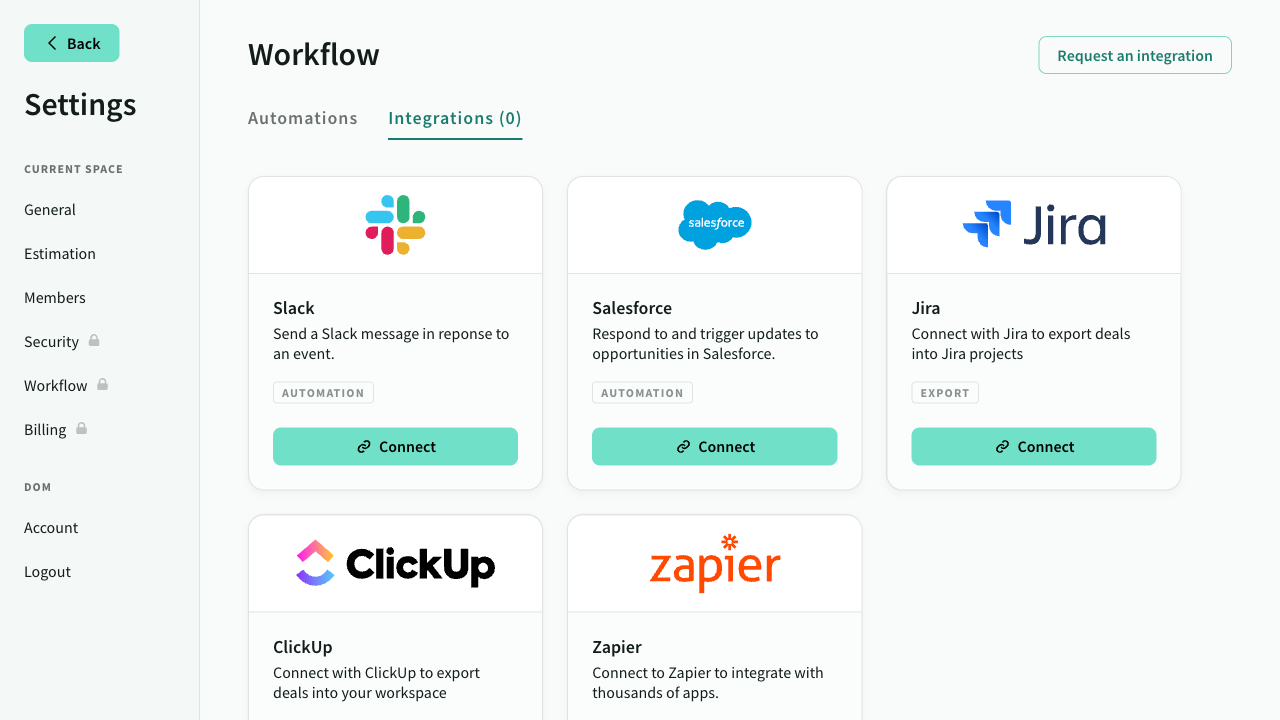 Integrations setting screen
Exporting deals to Jira or ClickUp
Once your integration is set up, exporting deals to is straightforward.
- In the deal view, click on
Export...from the deal header menu. - Choose the Jira or Clickup export option.
- Select your target space and project.
- Choose which issue type to map to (jira users only)
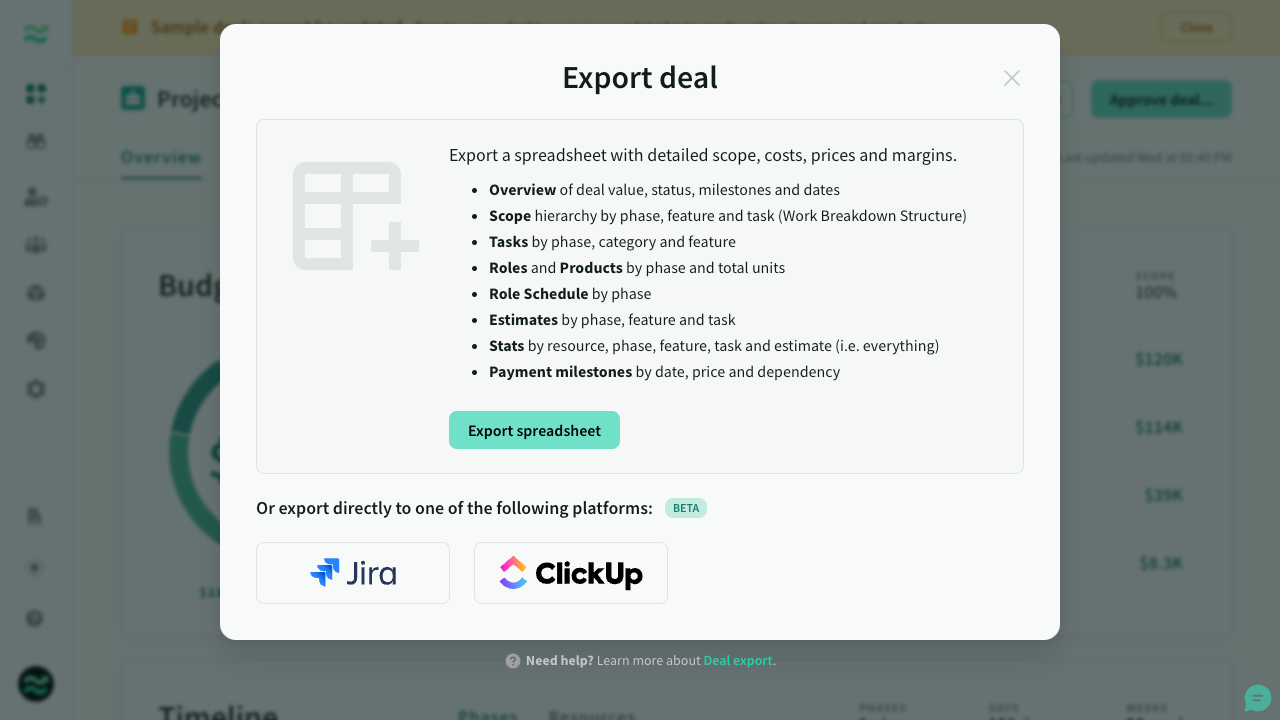 Deal export
What to expect from the Jira export
The Jira exporter translates your Estii deals into structured Jira issues, including phases, features and tasks. The exporter includes priorities, tags and descriptions.
If you have time estimates enabled on subtasks in jira, they will be exported too.
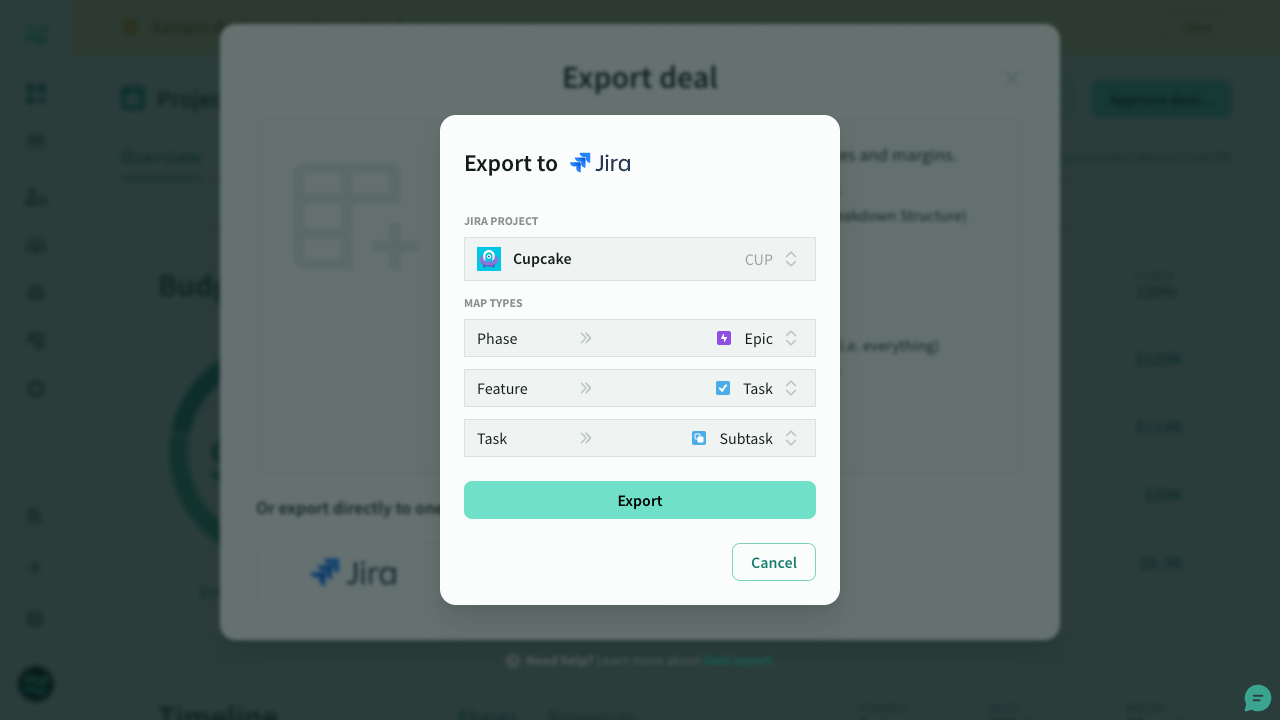 Jira export settings
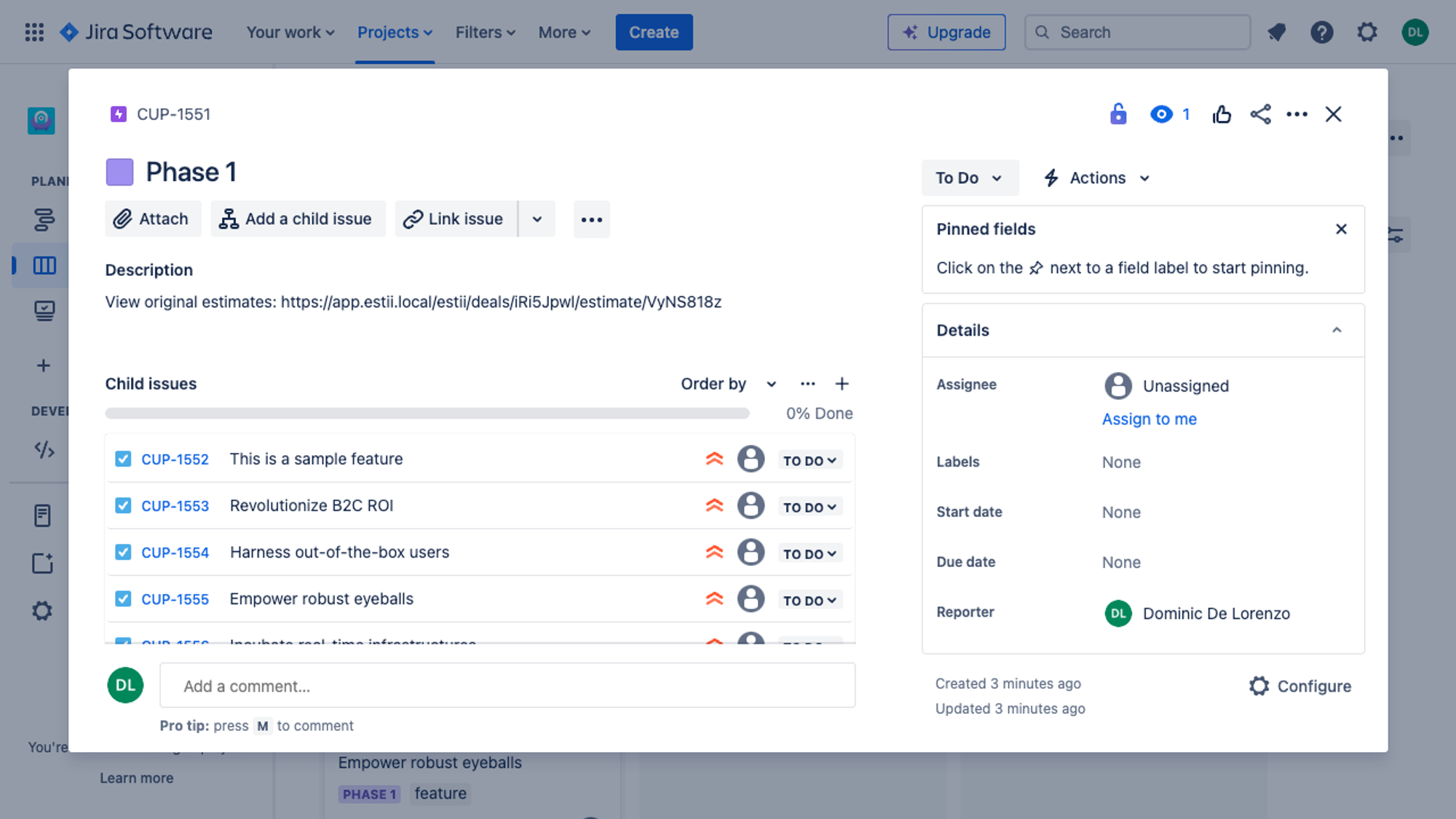 Exported issues in Jira
What to expect from the ClickUp export
The ClickUp exporter translates your Estii deals into the structured ClickUp hierarchy, including phases, features and tasks. The exporter includes priorities, tags, descriptions and time estimates (on tasks)
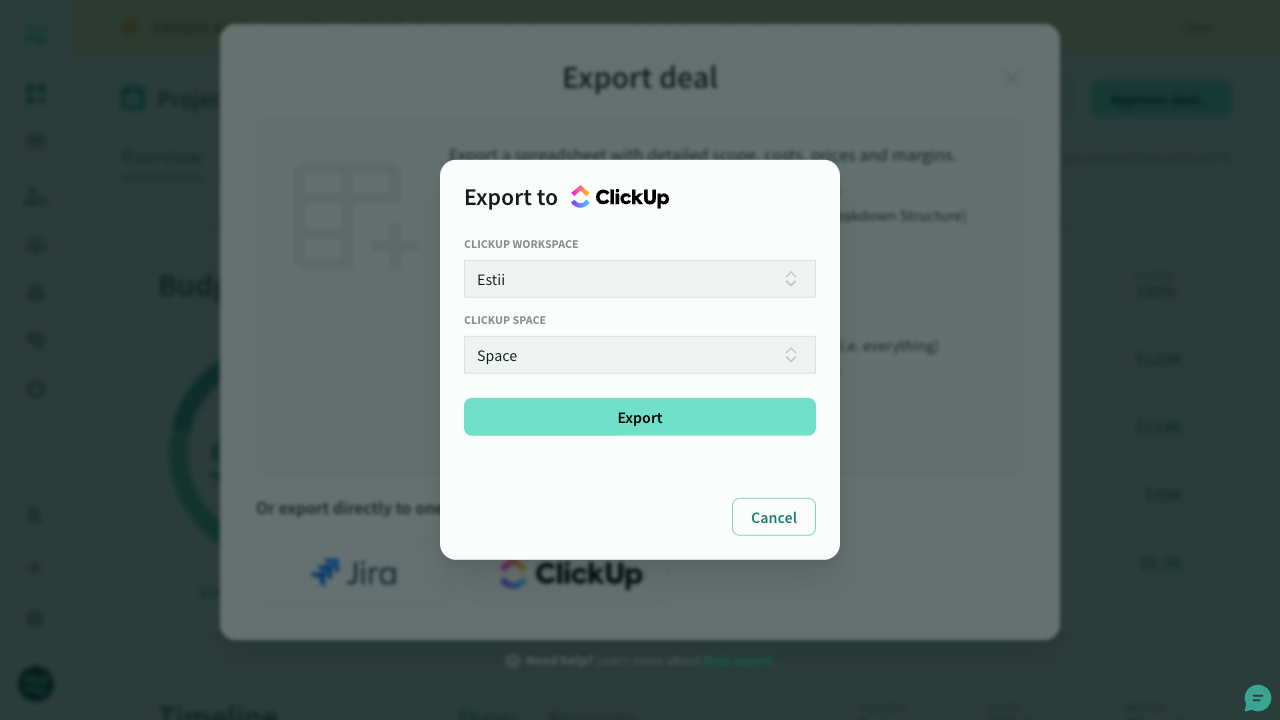 ClickUp export settings
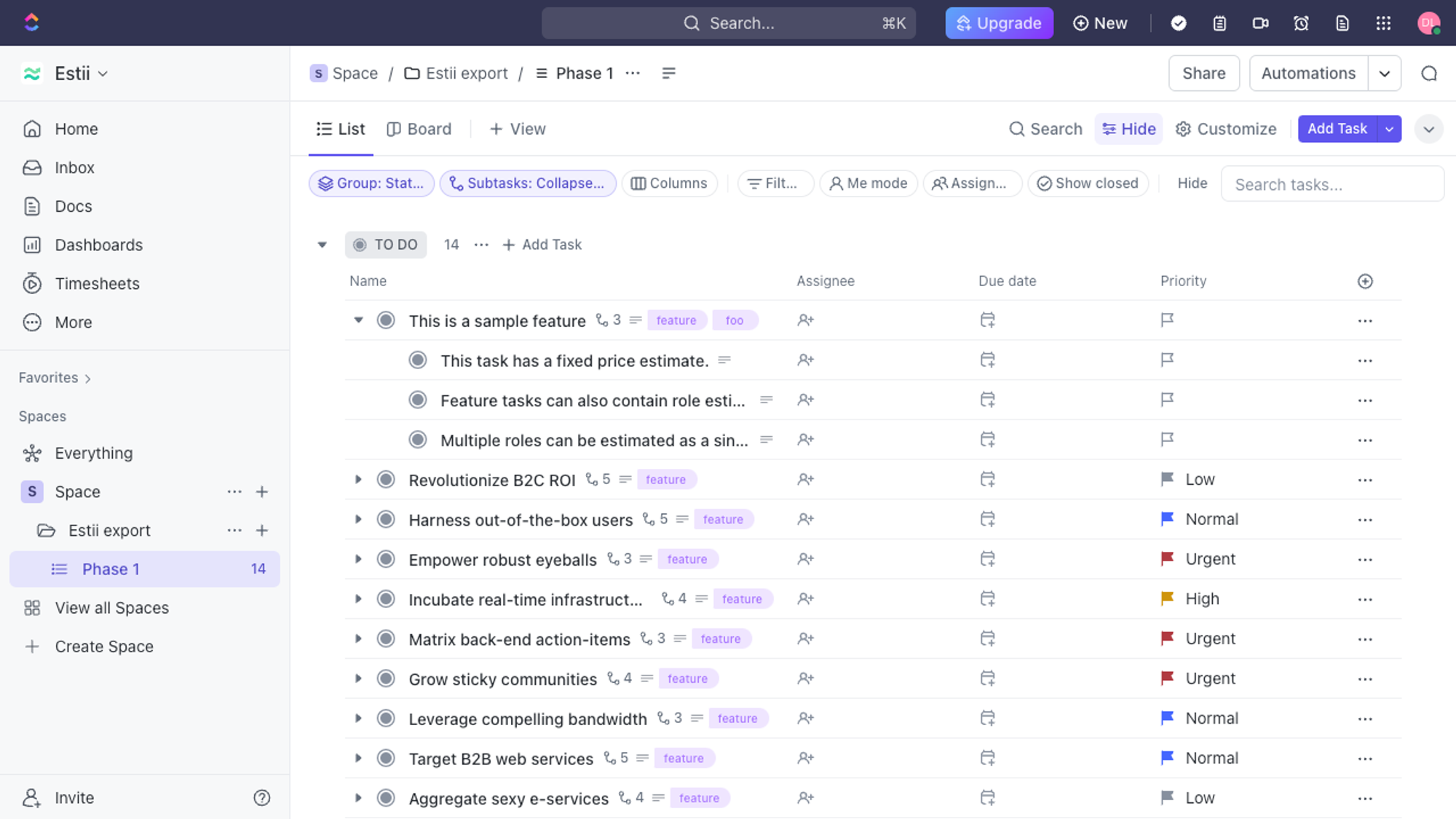 Exported tasks in ClickUp
Want us to integrate another platform?
If you want to request another integration, please don't hesitate to get in touch with our team to discuss further.