 Getting started
 Pipeline
 Forecasts
 Deals
Deals Deals (advanced)
 Proposals
 Exports
 Resources
 Integrations
 Settings
 Glossary
 FAQs
FAQs Releases
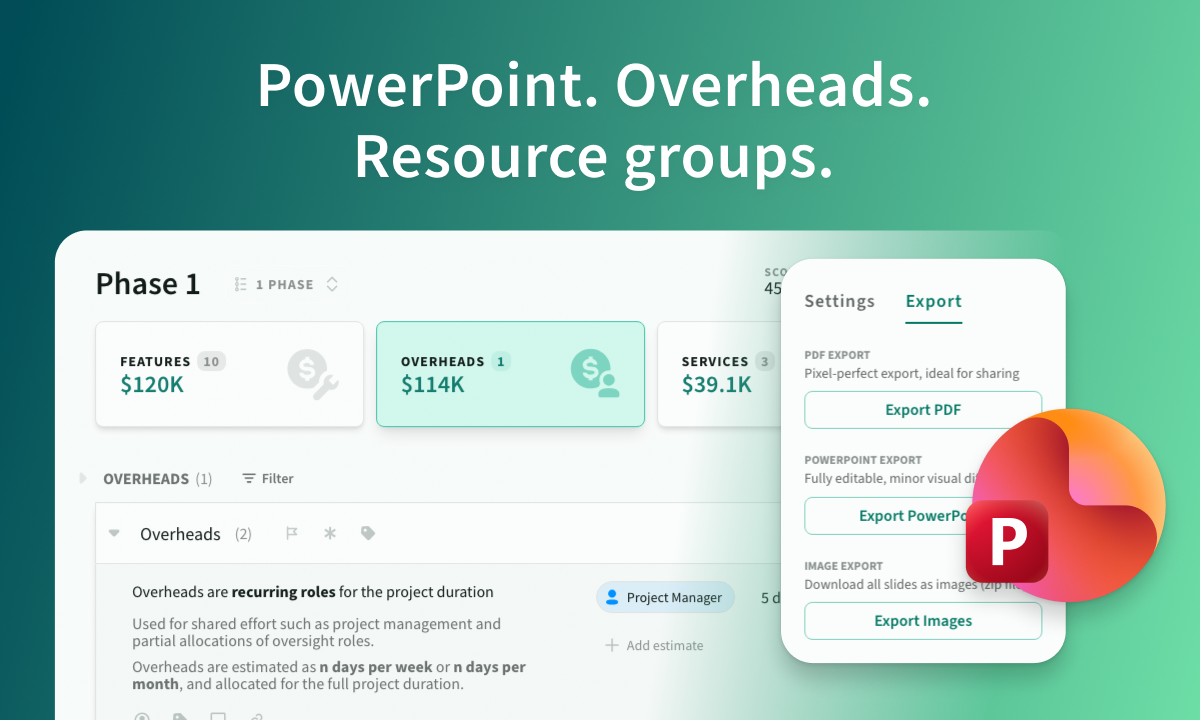
Export to PowerPoint, Resource groups
Feb 20, 2026
PowerPoint export, resource groups, unified overheads, and more.
Overview
This release introduces editable PowerPoint exports, flexible resource grouping, clearer terminology, and improved overhead management.
- Export to PowerPoint: Generate fully editable, beautifully formatted slides directly from proposal export settings.
- Resource groups: Organise roles and products using colour-coded tags.
- Items terminology: “Tasks” are now called “items” across the app.
- Unified overheads: Overheads now behave like other estimate categories, with better structure and consistency.
- Several internal dependency upgrades, no visible UI changes.
Export to PowerPoint
Create polished, presentation-ready slides in seconds.
You can now export proposals to PowerPoint, Keynote, and Google Slides.
- Fully editable slide content after export
- Dynamic page numbers, background images, and header/footer text via master slides
- Optimised for PowerPoint and Keynote, minor differences may appear in Google Slides
- PowerPoint supports normal and bold font weights only, heading styles may need light adjustment
- Fonts must be installed locally for PowerPoint and Keynote. Google Slides will auto-match fonts where available
Export PowerPoint, PDF, and image formats from the new proposal export settings.
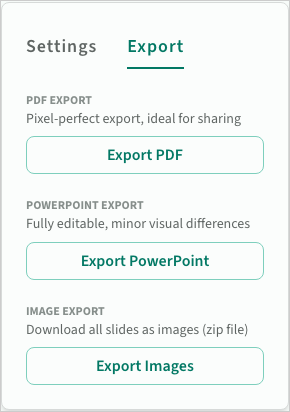 Export settings
Resource groups
You can now group roles and products using coloured resource tags. Organise by team, department, practice, or any structure that fits your business.
- Add up to 20 tags for roles and 20 tags for products
- Switch between flat and grouped views on resource pages
- Tag colours appear across estimates for quick visual identification
- Filter deals and view scope breakdowns by resource tag
- XLS and CSV import and export now support tags
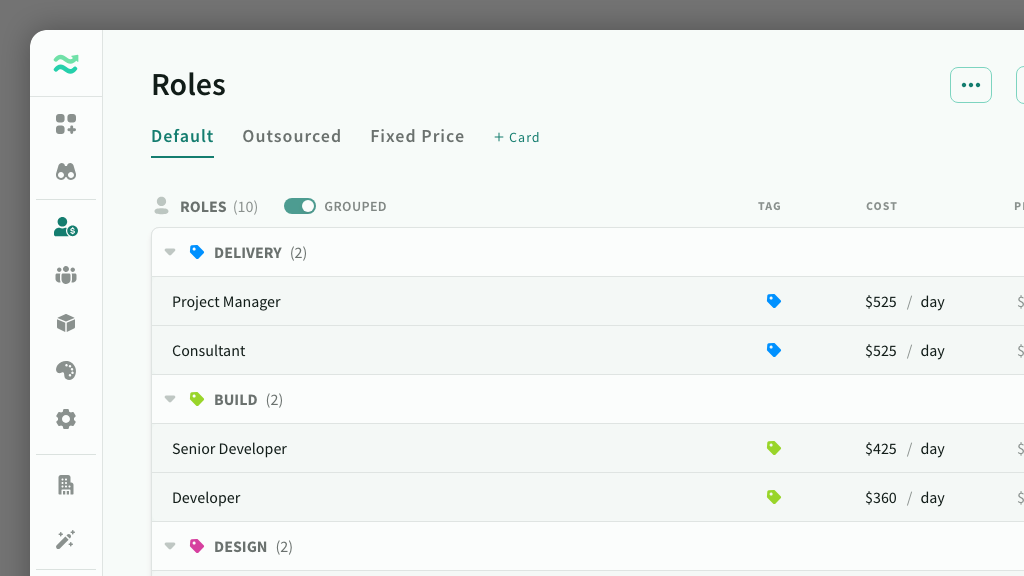 Roles grouped by tag
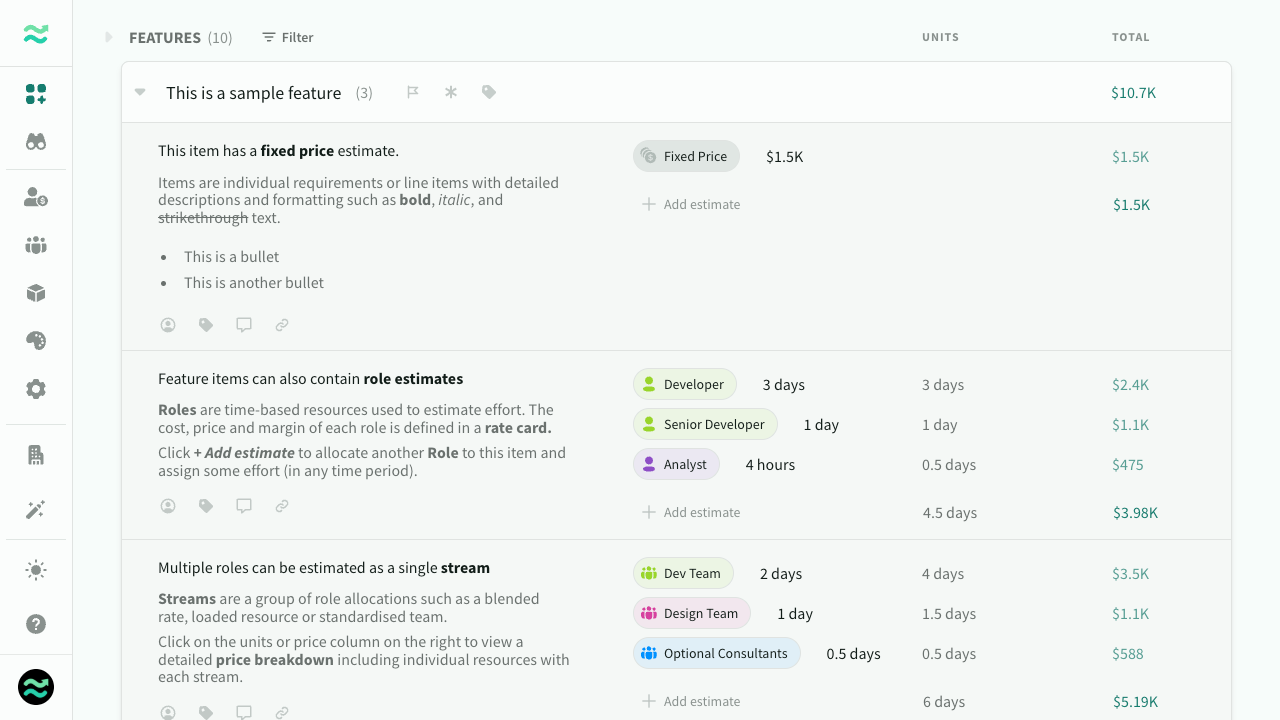 Tag colours appear across estimates
Items terminology
“Tasks” are now called items throughout the app. This better reflects their role across all estimate types, including features, overheads, services, and expenses.
You can customise this label in Settings > Estimation > Terminology if you prefer alternatives such as task, deliverable, or requirement.
Unified overheads
Overheads now work consistently with features, services, and expenses. The updated structure improves estimation clarity while keeping pricing and proposals unchanged by default.
- Estimate overheads using days per week or per month, defaulting to 5 days per week or your configured Days per week setting
- Organise overheads into categories and items
- Add comments, assign owners, apply tags, and set risk levels
- Overheads now appear in scope breakdowns
- New Itemised Overheads proposal section, shown only when item details are provided
- New Overheads sheet in deal exports when overhead metadata exists
What to know
- No changes to customer pricing or proposal structure by default
- Automatic migration applied, no action required
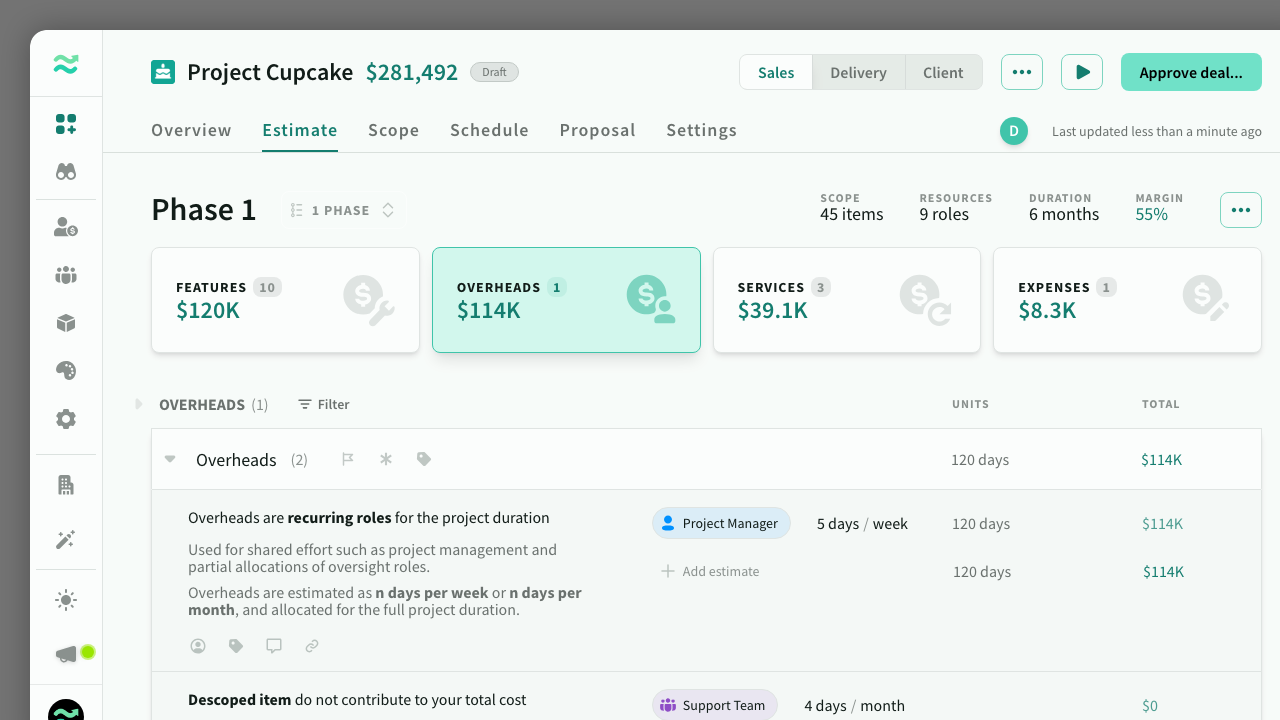 Overheads
Fixes and improvements
Deals
- Automatically expand estimation categories with a single feature
- Expanded or collapsed state now persists between refreshes
- Force delete a feature or item from the dropdown without confirmation by holding
shift - Removed non-existent versions from duplicated deals
- PDF export is now generated in the browser for faster performance
Settings
- Change your email address from account settings, excluding enterprise SSO users
- Leave a space from your account page if you are not the owner
Quality of life
- Faster sync across multiple browser tabs with reduced memory usage
- Capacity forecasts update without requiring a refresh
- Default theme font updated from
Source Sans ProtoSource Sans 3 - Improved help centre taxonomy
- Additional internal upgrades with no visible UI changes